
How to Search Bergen County Court Records
The main entry point is the NJ Courts Find a Case page. It does not run one master search. Instead it links separate tools for civil and foreclosure cases, criminal cases, criminal judgments, judgment liens, and Tax Court. You pick the tool that matches your case, then search by a party name or a docket number. For Bergen matters, confirm the venue reads Bergen, because the statewide search can return same-name parties from other counties.
Before you start, gather a full legal name or a docket number. A middle name or business name helps narrow common results. Land records and probate are not here; those go to the County Clerk and the Surrogate.
The official landing page lays out every tool in one list.
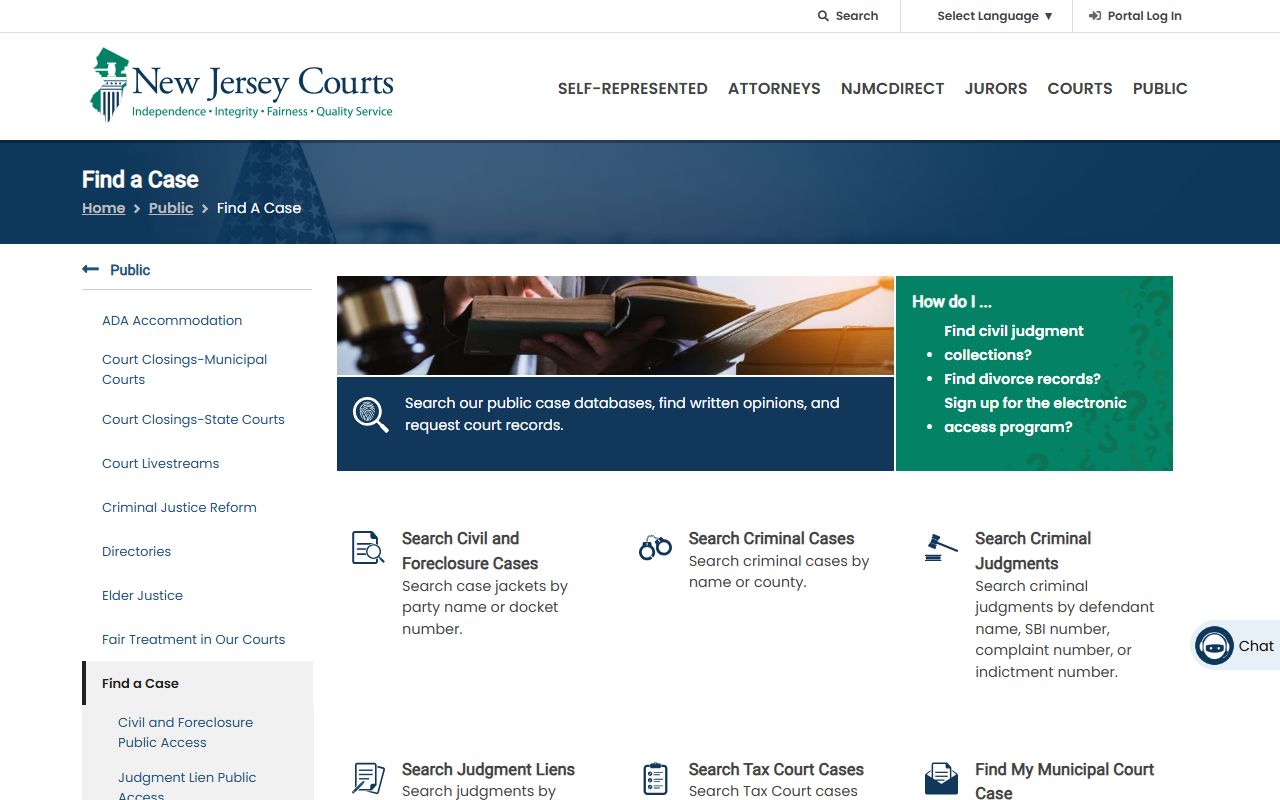
Follow these steps for a basic Bergen County court records search:
- Open the NJ Courts Find a Case page.
- Choose the tool that fits your case type, such as Civil and Foreclosure or Criminal Cases.
- Accept the public access disclaimer and any CAPTCHA prompt.
- Search by party name or docket number, then confirm the venue is Bergen.
- Click the docket number to open the case jacket and request a copy if needed.
Bergen County Court Records Search Fields
The civil case jacket search keeps its fields simple. Red asterisks mark the required boxes. Short entries of two letters or fewer return only exact name matches, so use three letters or more for a wider list. The table below shows the fields on the public civil search.
| Field Label | Type | Required | Notes / Format |
|---|---|---|---|
| Search By | Tab / radio | Yes | Party Name or Case/Docket Number. |
| Individual / Business | Radio | Yes for party search | Individual for a person; Business for an entity. |
| Last Name | Text | Yes | Use 3 or more letters for broad results. |
| First Name | Text | Conditional | Same short-entry warning applies. |
| Search | Button | Yes | Runs the search. |
| Docket Number | Link in results | No | Opens the case jacket for that case. |
The civil case jacket portal sits behind a short access disclaimer.
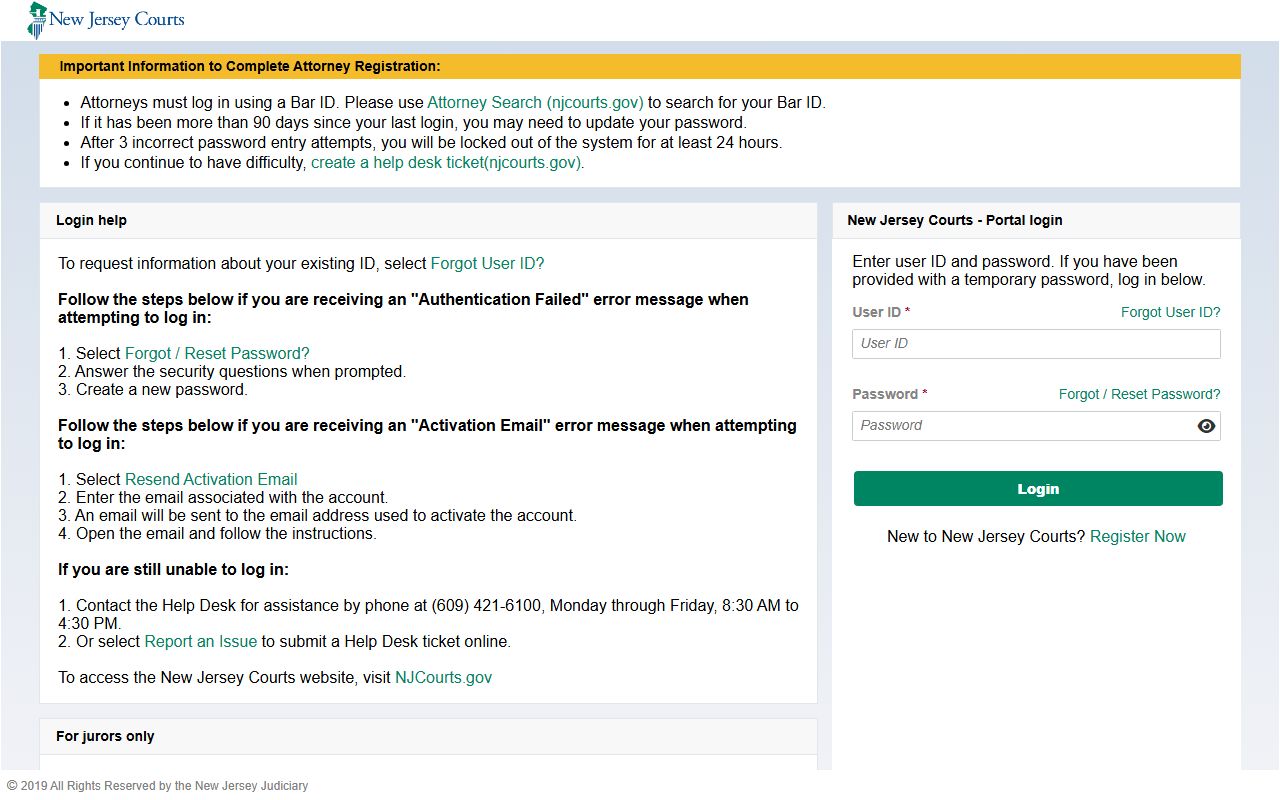
Criminal searches use a different set of inputs. You can search by defendant name and county, or by SBI number, complaint number, or indictment number for a criminal judgment.
Bergen Court Record Search Tools
Each public tool covers a slice of the court system. Most are free. The paid Electronic Access Program is built for subscribers and commercial users, not for a one-time look. The list below pairs each system with what it holds.
- Civil and Foreclosure Public Access - Superior Court civil, special civil, and foreclosure case jackets.
- Criminal Case Search - indictable criminal cases tracked in PROMIS/Gavel.
- Criminal Judgments - judgment records by name, SBI, complaint, or indictment number.
- Judgment Lien Public Access - civil judgment and lien records by party, judgment, or docket number.
- Tax Court Public Access - tax cases by party name, docket number, or block and lot.
The NJ Courts search hub lists all of these tools in one place.
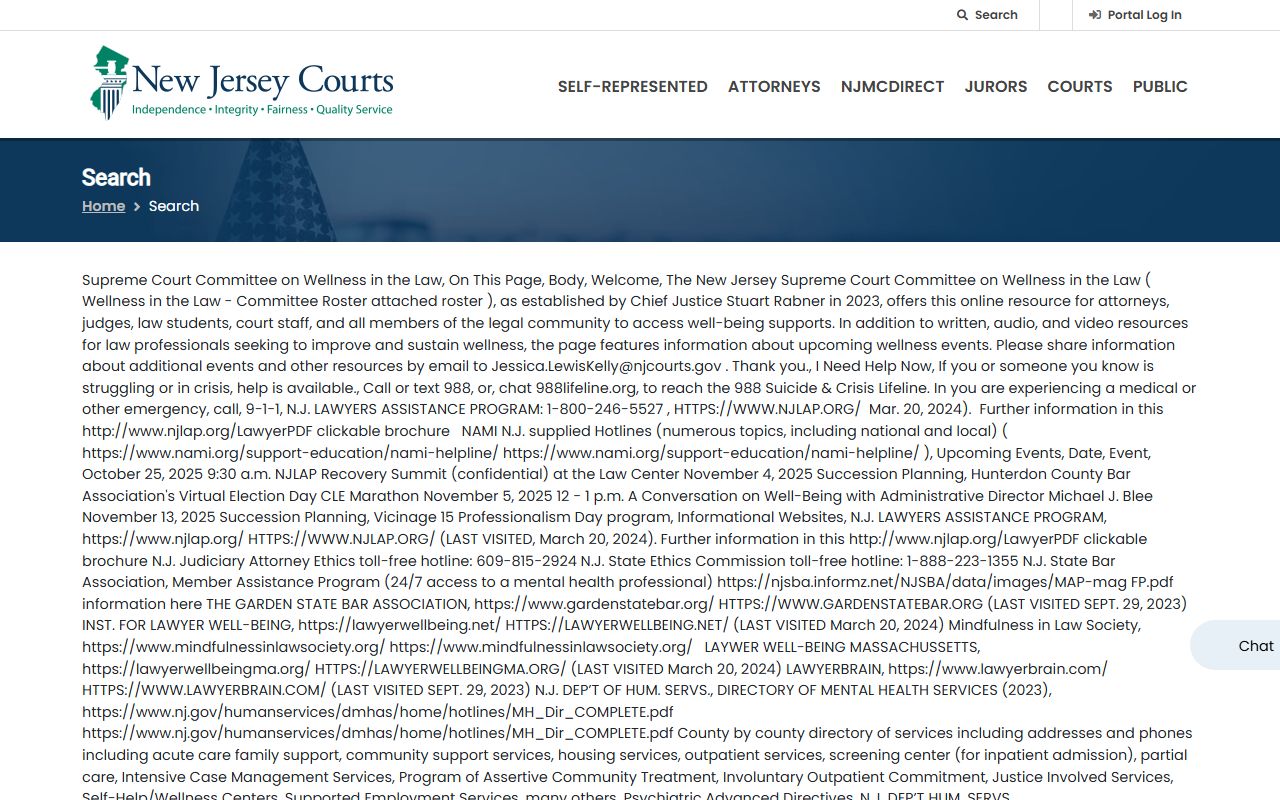
You can reach every tool from the NJ Courts case search page.
Types of Bergen County Court Records
Bergen Superior Court records fall into clear families. Civil records hold complaints, answers, motions, orders, and judgments, with Special Civil Part covering smaller claims and landlord-tenant matters. Criminal records hold complaint-warrants, indictments, pleas, and sentences. Family records hold divorce, custody, and support, though many family files are restricted. Tax cases run through the statewide Tax Court.
Which court made the record tells you where to look and what access to expect. Civil Part matters generally involve lawsuits over $20,000, while Special Civil Part covers lower-dollar claims and small claims. Public access is the default for ordinary civil files unless a rule or statute closes a document.
- Civil and foreclosure case jackets from the Law and Special Civil Parts.
- Criminal Division records for indictable offenses.
- Family Part divorce, custody, support, and domestic violence files.
- Tax Court appeals and county board tax matters.
- Municipal records for traffic, parking, and ordinance cases.
New Jersey docket numbers carry a prefix that signals the case type. Knowing the prefix saves time, since it tells you which tool to open before you search.
- L
- Law Division civil case.
- F
- Foreclosure matter.
- FM / FD
- Family matters, such as divorce or non-dissolution support.
- DC / SC / LT
- Special Civil, small claims, and landlord-tenant cases.
What Bergen County Court Records Show
A case jacket is a running list of everything that happened in a case. The NJ Courts public guide shows the core result fields, and the electronic jacket adds the document and event history. The two-column inventory below covers the main fields you will see in a Bergen result.
| Field | What It Shows |
|---|---|
| Name | The party searched, with role where shown. |
| Venue | The county or vicinage, such as Bergen. |
| Docket Number | The case identifier; click it to open the jacket. |
| Case Caption | The full case title, such as plaintiff v. defendant. |
| Case Initiation Date | The date the case began. |
| Filed Documents | List of filings and orders in the electronic jacket. |
| Disposition | The outcome of the case or a motion. |
The jacket lists case information but does not always hold the full text or images of every filed document. For those, you may need a records request or a courthouse visit. See Bergen County court dockets for how docket entries read.
Public Access Framework for Bergen County Court Records
Court records in New Jersey follow Rule 1:38, the Judiciary's public access rule. The baseline is openness, but Rule 1:38-3 lists records kept private, and Rule 1:38-7 requires redaction of personal identifiers. This is different from N.J.S.A. 47:1A-1 et seq., the Open Public Records Act, which governs county agency records rather than court case files.
Paid expanded access runs through the Electronic Access Program. It covers PROMIS/Gavel, civil systems, the Civil Judgment and Order Docket, FACTS divorce data, and municipal traffic data, but it shows one screen at a time and excludes document images.
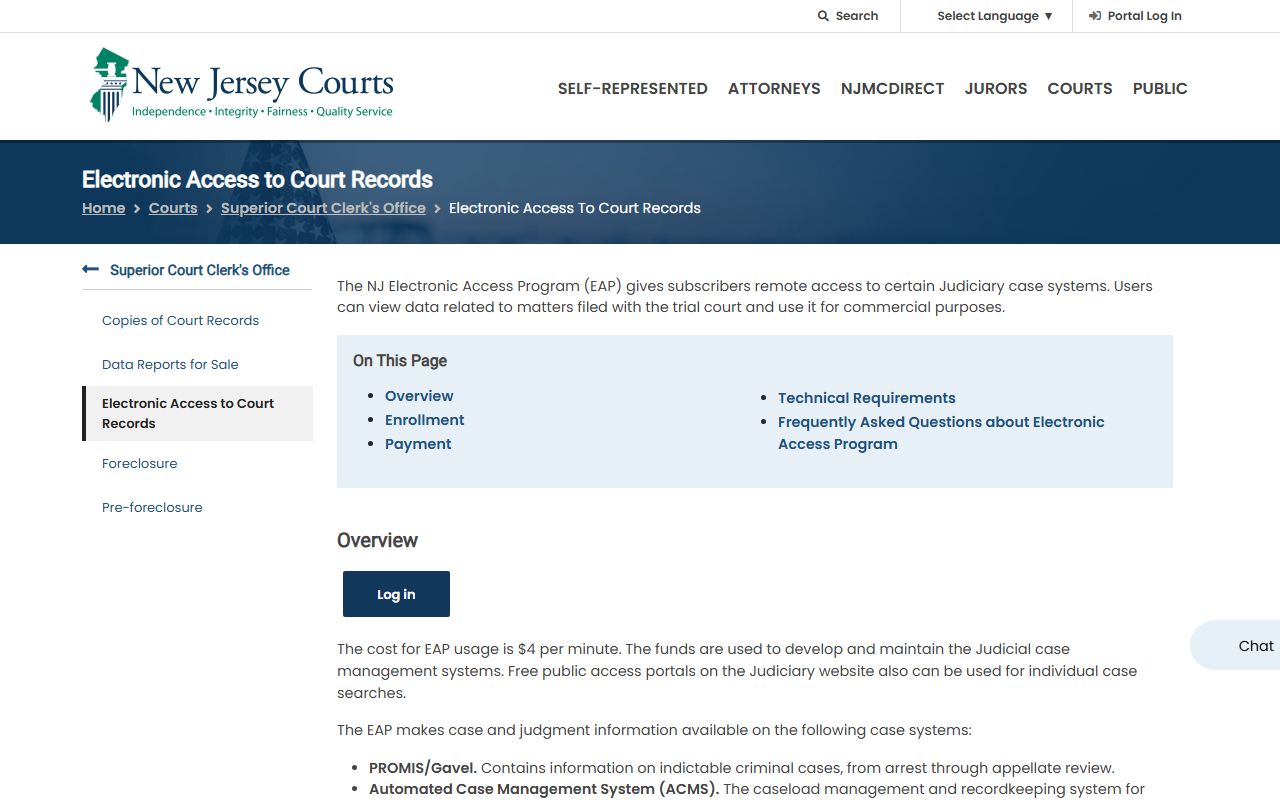
The Electronic Access Program charges $4 per minute and needs a JACS subscriber account.
Note: Free public tools cover most needs; the paid program is built for subscribers and commercial users, not for a single record lookup.
Records That Are Sealed or Confidential in Bergen County
Some Bergen court records are closed by rule or statute. Sealed and expunged matters, juvenile cases, domestic violence files, adoption reports, and medical or psychological records all sit outside public access. Grand jury material is secret, and unfiled discovery is not public. Presentence reports stay with the court and probation.
To view a sealed record, a person normally files a motion and shows the court a legal reason. The court must enter a sealing order under Rule 1:38-11; sealing is never automatic. Expungement under N.J.S.A. 2C:52-1 reaches further than a single docket, since it covers arrest, processing, and court records together.
In-Person Court Record Requests
When a record is not online, the Bergen Criminal Division Records Room can help. It sits on the second floor of the Justice Center and handles criminal record requests and inspection. Bring the case number or full name, a photo ID, and copy fees. For civil and family files, use the Superior Court records request process or the Family Division.
The statewide records room directory lists the Bergen contact and hours.
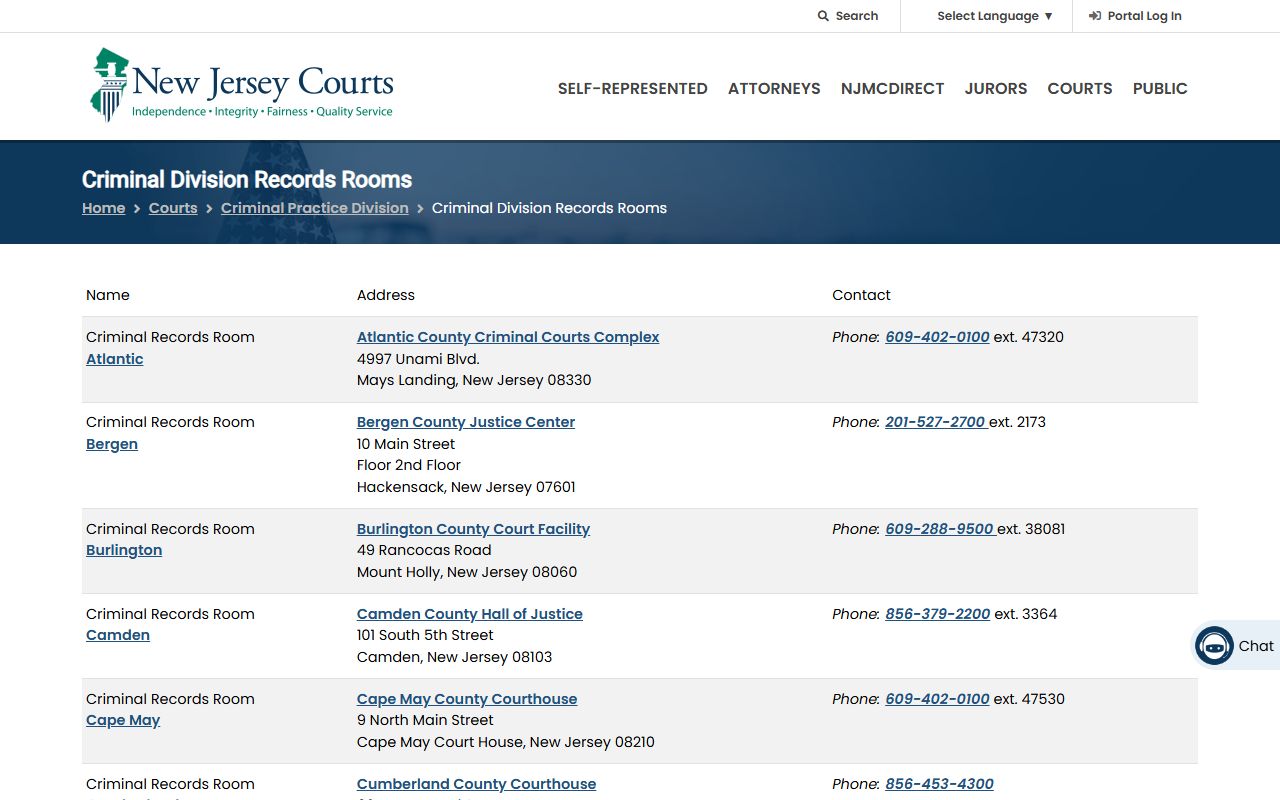
Find the office on the NJ Courts Criminal Division records room page.
Bergen Criminal Division Records Room
Bergen County Justice Center, 2nd floor
Hackensack, NJ 07601
201-527-2700 ext. 2173
Mon-Fri 8:30 a.m.-4:30 p.m.
Court Records and County Clerk Records Are Different
Many searches stall because people look in the wrong place. The Superior Court holds case files. The Bergen County Clerk holds land and business records. The Surrogate holds wills and estates. A deed will never show up in a court case search, and a criminal docket will never show up in the land records system. This split is the single most common source of confusion for Bergen searchers.
Keep the four record families separate. Judiciary records, such as Superior Court and municipal court files, run through NJ Courts under Rule 1:38. County Clerk records cover deeds, mortgages, liens, and naturalization. Surrogate records cover probate and guardianship. Sheriff and corrections records cover inmate lookups, custody, and accident reports. Match the record to the office first, then search.