
How to Find Bergen County Court Dockets
State court dockets start at the NJ Courts Find a Case page, where civil, criminal, judgment, and tax tools each open a different docket set. You search by a party name or by the docket number itself. If you already hold the docket number, that is the fastest path, since it points straight to one case. A name search is broader and may return many people, so confirm the venue reads Bergen.
The docket number also tells you the division. An L number is a Law Division civil case; an FM number is a divorce; an F number is a foreclosure. Pick the matching tool before you search.
- Open the NJ Courts Find a Case page.
- Select the tool for your case type.
- Enter a party name or the docket number.
- Confirm the venue is Bergen, then open the case.
- Read the docket entries in date order to follow the case.
What a Bergen County Court Docket Shows
Every docket is built from short, dated entries. Each one marks a step, such as a complaint filed, a motion heard, or a judgment entered. The header fields identify the case, and the entry list tracks its progress. The inventory below shows the fields and entries you can expect in a Bergen docket.
| Docket Field / Entry | What It Shows |
|---|---|
| Docket Number | Case identifier with a division prefix. |
| Case Caption | The parties, such as plaintiff v. defendant. |
| Venue | The county or vicinage, such as Bergen. |
| Initiation Date | When the case was filed. |
| Complaint Filed | The opening filing that starts the case. |
| Motion / Order Entered | A request and the judge's ruling on it. |
| Hearing Scheduled | Date, time, and courtroom for a proceeding. |
| Disposition / Judgment | The outcome and any final order. |
The docket lists case information but may not include the full text or images of filed documents. For those, you may need a records request or a courthouse visit.
Civil and Criminal Docket Fields in Bergen County
Civil dockets track complaints, answers, motions, discovery orders, settlement notices, and judgments. A foreclosure docket adds lis pendens references and sale entries. The party fields show each side, their role, and the attorneys of record. A money judgment entry closes many civil matters.
Criminal dockets read differently. They start with a complaint-warrant or summons, then move through indictment or accusation, arraignment, motions, pretrial conferences, plea or trial, and sentencing. Because an indictment is just a formal charge, a criminal docket can change for months before a final disposition. See Bergen arrest records for the criminal process in more detail.
Short entries can carry a lot of weight. A single line that reads "order entered" may resolve the whole case.
How a Bergen Case Moves Through the Docket
A docket grows in a predictable order, and knowing the stages helps you read one. A civil case opens with a complaint, then an answer, then a stretch of motions and case management before settlement or trial. A criminal case follows its own path, and an arraignment usually happens within 14 days of an indictment. Each stage adds new entries.
Criminal flow: Complaint-Warrant › Indictment › Arraignment › Pretrial Conferences › Plea or Trial › Sentencing › Appeal
When a defendant pleads guilty, the docket may add a presentence investigation entry before sentencing. Diversion paths such as Pretrial Intervention or Recovery Court also show up as docket events. A case that ends early may skip most of these steps, so two dockets for the same charge can look very different.
Search by Party Name or Docket Number
There are two ways into a Bergen docket. A docket number search is exact and fast when you already have the number. A party name search is broader and useful when you do not. For common names, add a first name, a business name, or a county filter to cut the list down.
Name searches have a quirk worth knowing. Very short entries of two letters or fewer return only exact matches, so use three letters or more for a wider result set. Statewide tools also pull cases from every county, which is why the venue check matters before you trust a Bergen result. If you cannot find a case by name, the docket number from a notice, summons, or order is the surest key.
Bergen County Judges and Chambers
Dockets list the assigned judge, and the NJ Courts directory matches Bergen judges to their chambers and phone extensions. The Assignment Judge for the vicinage is Carol V. Novey Catuogno. The Criminal Presiding Judge is James X. Sattely, and the Family Division runs its own set of judges. Knowing the assigned judge helps when you call chambers about a scheduled date.
The Family Division keeps a separate contact directory for divorce, custody, and support dockets.
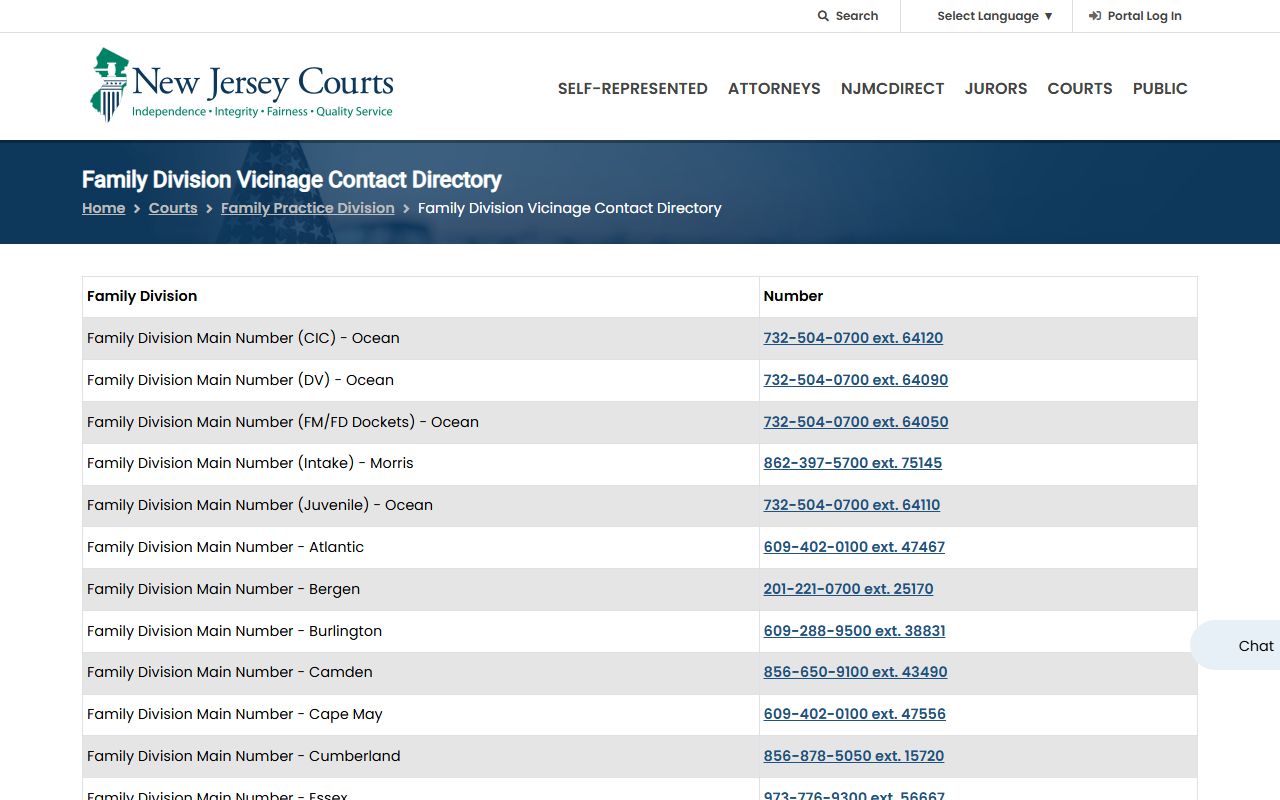
The Family Division directory lists the Bergen main line. The full judges list is online too.
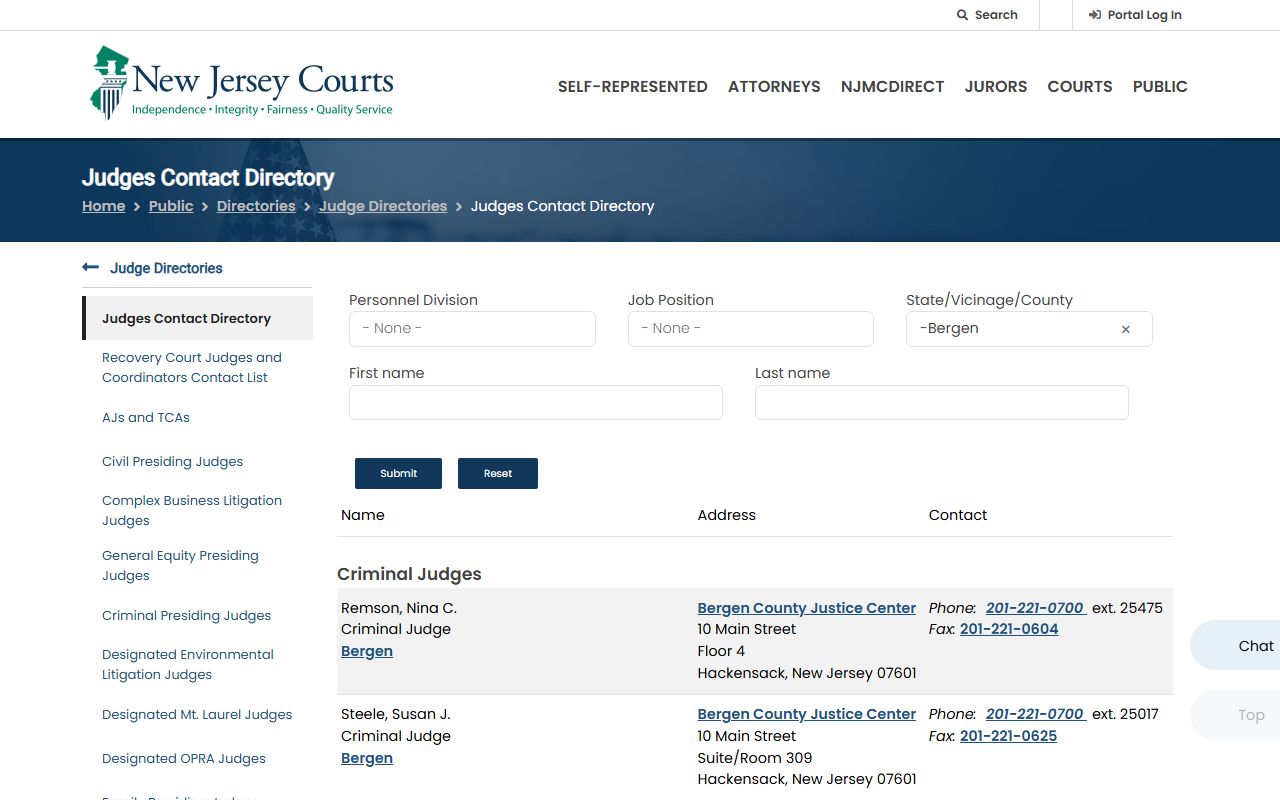
Browse the Bergen judges directory for chambers and extensions.
Municipal Court Dockets
Traffic and local matters do not appear in the Superior Court docket tools. Those run through the municipal court system and NJMCDirect. A municipal docket shows the violation, the court date, and the court name. To pull one, you usually need the court ID, the ticket number, and a license number. Many Bergen towns route cases through the Central Municipal Court at 71 Hudson Street in Hackensack, which also runs an online dispute resolution option for some traffic matters.
Municipal dockets are usually available one to four days after a ticket is issued. Paid tickets older than 90 days may drop off the online lookup, so an older matter can need a call to the issuing court. For the full traffic workflow, see Bergen County traffic court records.
Note: A docket entry shows that something was filed or ordered, but the full document may still require a records request or a courthouse visit.
Federal Dockets for Bergen County Cases
Federal cases involving Bergen residents are not in the state systems. They run through the U.S. District Court for the District of New Jersey, often the Newark vicinage for the north of the state. Federal dockets live in PACER, the account-based federal records service. Bankruptcy dockets sit in the federal bankruptcy court.
PACER charges per page but is the official source for federal court dockets.
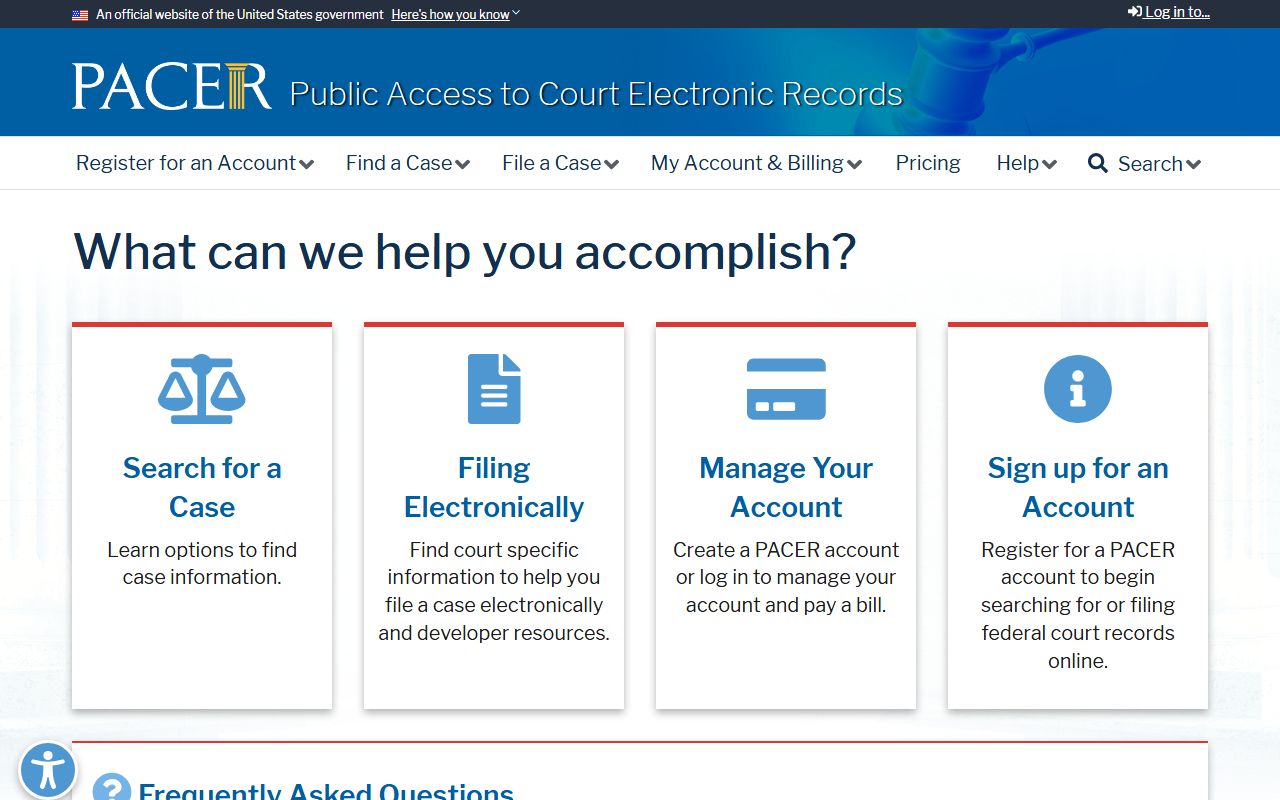
Register and search at PACER. To confirm the right court, use the CM/ECF lookup.
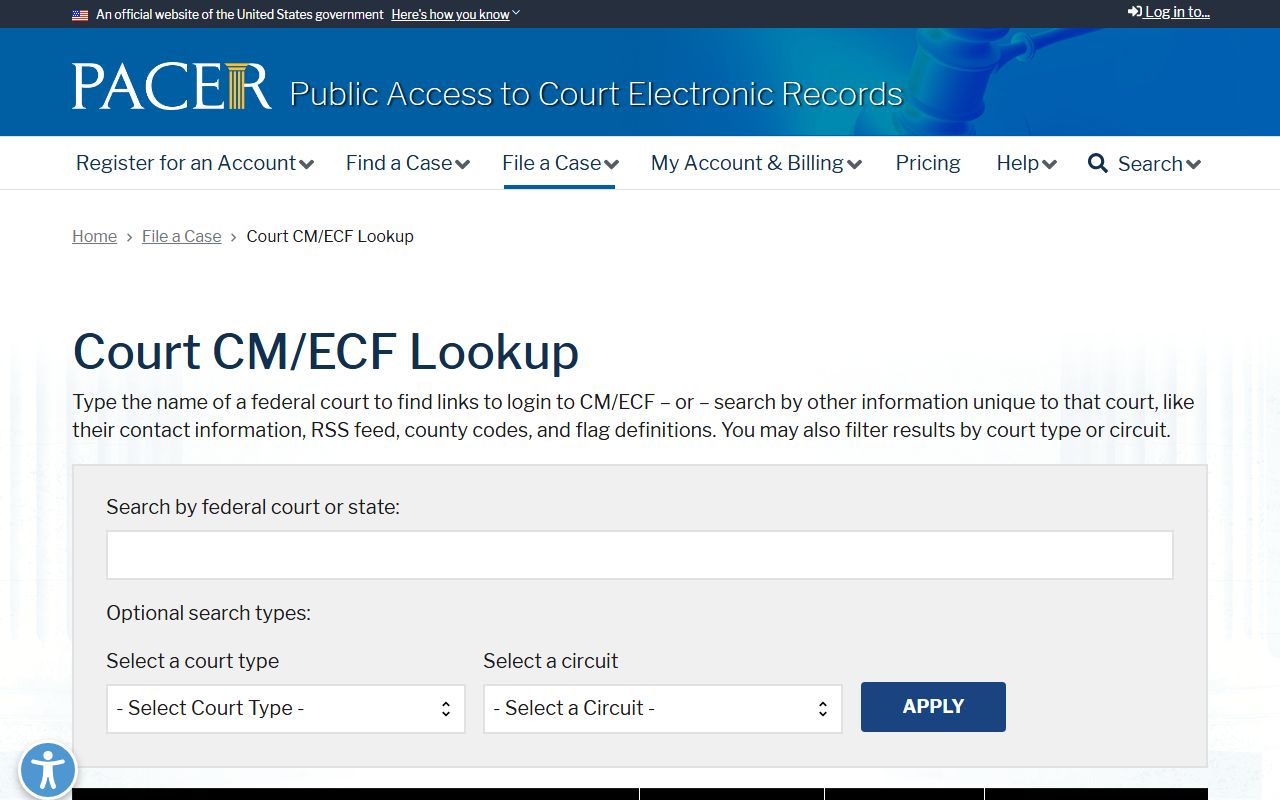
The CM/ECF court lookup lists the New Jersey District and bankruptcy entries. For a free opinion and docket research option, CourtListener mirrors many federal records.
Bergen County Docket Events Glossary
Docket entries lean on short terms. A few come up in almost every case, and knowing them makes a docket much easier to read.
- Complaint
- The filing that starts a civil, criminal, or municipal case.
- Motion
- A written request asking the judge to make an order.
- Order
- The judge's written ruling.
- Disposition
- The outcome of a charge, a motion, or the case.
- Continuance
- A postponement of a hearing or deadline.
- Satisfaction
- An entry showing a judgment was paid.
Docket Items That Are Not Online
Public dockets show case information, but not every document is posted. Sealed and expunged matters drop out. Family files are limited. Older records may not be in the electronic jacket at all. The paid Electronic Access Program offers subscribers expanded screens for PROMIS/Gavel, civil systems, and FACTS divorce data, but it still shows one screen at a time and excludes document images.
When a docket entry points to a document you cannot open, request it through the court records process or the Criminal Division Records Room.